


On January 31, 2018, my second co-authored article with the CNews editorial team was published. This time, about how to organize Managed Document Services (MDS) in a company and what tools are available on the modern market.
By that point, I had already deeply immersed myself in the topic of comprehensive document workflow solutions. And I had something to share.

What was the article about?
About how any IT manager or business owner can implement MDS in their company using accessible tools. Without pain, without buying extra servers, without needing to hire a whole team of administrators.
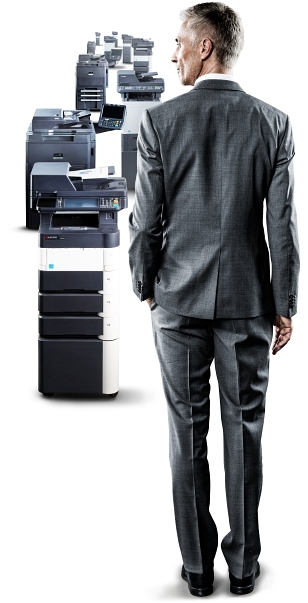
In the article, the editorial team and I examined several key KYOCERA software solutions:
KX Driver — one universal driver for hundreds of printer and MFP models. No need to guess what to install — it’s all already there.
PinPoint Scan — scanning with a PIN code. Convenient when several people work in an office and each wants to save their documents to their own folder or cloud.
Print&Follow — a system that lets you print a document on any device on the network, rather than running to “your” printer. And without a dedicated server.
Why is this topic important?
Because even now, years later, many companies still print the old-fashioned way — without system, without control, without transparency. Yet there are simple and accessible ways to make document workflow transparent, secure, and cost-effective. My task as an expert was to talk about these methods in clear language.
And on top of that, it’s a great way to save up to 2% on office printing costs!
What did this publication give me?
The realization that my knowledge and experience are of interest to a wide audience. That I can write complex technical texts on topics I used to be afraid to even think about — texts that people read, understand, and adopt.
The article still lives in the CNews archives.
😊